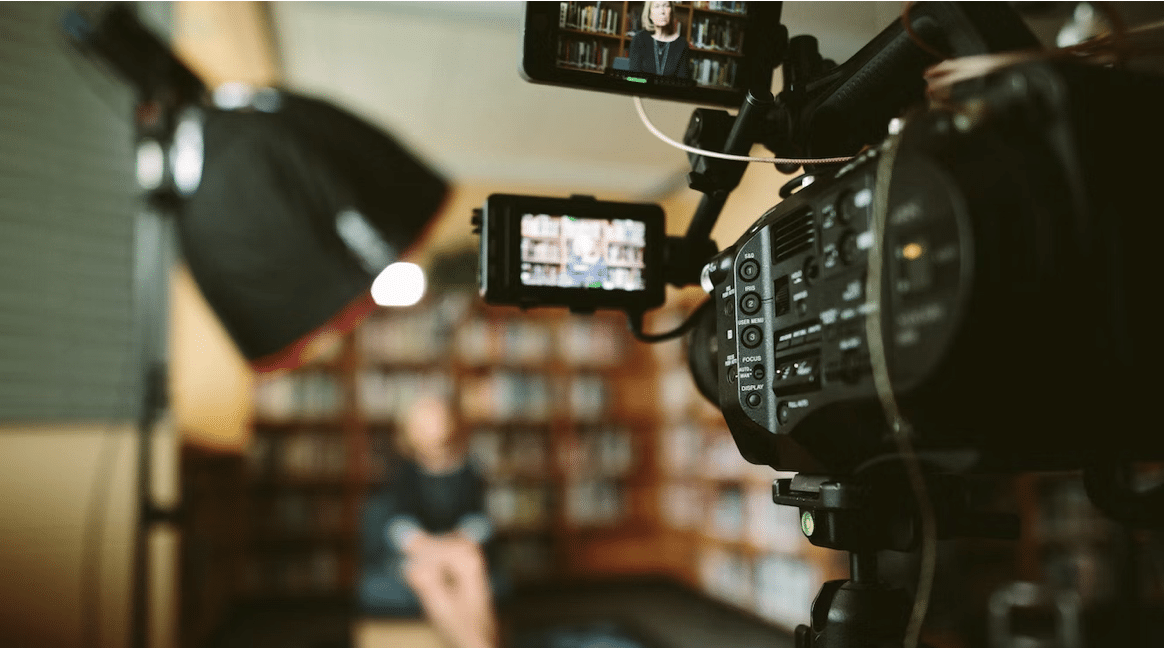
 A video does not have to look like a television commercial to be effective. In many cases, a clear explanation, steady footage, and understandable audio are enough to get a message across. The real challenge is turning recorded material into something people can follow without unnecessary distractions.
This matters to businesses publishing product demonstrations, teachers preparing lessons, freelancers creating portfolio samples, and individuals making videos for social media. Each has a different goal, but the editing process usually involves the same basic decisions: what to keep, what to remove, where to add text, and how to prepare the final file for its intended audience.
Video Content Is No Longer Limited to Professional Studios
Video production has become a routine part of digital communication. According to Wyzowl’s State of Video Marketing 2026 report, 91% of surveyed businesses use video as a marketing tool. The report also found that 96% of surveyed consumers had watched an explainer video to learn about a product or service.
These figures help explain why video editing is relevant to organizations of different sizes. A small online store can demonstrate how a product works, while a software company can record a tutorial to answer common customer questions. Neither necessarily needs a full production team for every project.
The important distinction is between recording footage and preparing it for viewers. Raw recordings often contain repeated takes, long pauses, background noise, or details that do not contribute to the main message. Editing helps remove these problems and gives the content a logical structure.
What the Research Says About Video Marketing
The following figures come from Wyzowl’s 2026 survey of 266 respondents, conducted in late 2025. They represent reported survey responses rather than a guarantee that every video campaign will produce the same results.
Figure 1: Selected findings from the 2026 video marketing survey
| Survey finding |
Percentage |
| Businesses using video for marketing |
91% |
| Consumers who have watched an explainer video to learn about a product or service |
96% |
| Consumers who say a video has convinced them to buy a product or service |
85% |
| Consumers who say video quality affects their trust in a brand |
89% |
These findings do not mean that adding effects or transitions automatically increases sales. Instead, they highlight the importance of making videos clear, relevant, and visually presentable. A product demonstration with confusing cuts or inaudible instructions can leave viewers with unanswered questions, regardless of how much effort went into recording it.
What Actually Makes a Video Easier to Watch?
Good editing is often less about adding effects and more about removing friction. Viewers should be able to understand what is happening, hear the important information, and follow the sequence without having to work out what the creator intended.
Several practical details make a difference:
- A clear opening: Introduce the subject quickly instead of beginning with unnecessary footage.
- Logical sequencing: Arrange scenes so that each one supports the next.
- Readable text: Use captions and titles that remain legible on mobile screens.
- Balanced audio: Keep speech clear and background music at a suitable level.
- Consistent pacing: Remove long pauses without cutting so aggressively that the explanation becomes difficult to follow.
- Appropriate framing: Make sure important objects, faces, and text remain visible in the selected video format.
Consider a freelancer recording a five-minute software tutorial. The recording might contain several seconds of searching through menus, a repeated explanation, and a mistake that requires another take. Removing those sections can make the final tutorial shorter and more useful without changing the actual instructions.
Choosing an Online Editing Tool for Everyday Projects
The right editing setup depends on the complexity of the project. Someone producing a short announcement may need only trimming, text, and music, while a creator working on a detailed documentary may require advanced color correction and audio controls.
For straightforward projects, a browser-based online video editor can provide a practical starting point. Clideo offers a web-based editing workspace with tools for arranging media, adding text and audio, and adjusting video settings. This approach can suit people who prefer not to install a separate desktop editing application.
Before selecting an editor, it is worth checking whether it supports the following requirements:
- The video formats and resolutions used by your camera or phone.
- The ability to trim clips and arrange them in the correct order.
- Text overlays, subtitles, and audio adjustments.
- Aspect ratios suitable for the intended publishing platform.
- Export settings that match the final delivery requirements.
- Pricing, watermark restrictions, and any limitations on free usage.
Browser-based editing can reduce software setup, but it does not eliminate every technical requirement. Large files may still take time to upload or process, and performance depends on factors such as the device, browser, and internet connection. Anyone working with confidential recordings should also review the service’s privacy and file-handling policies.
Which Types of Videos Do Businesses Create Most Often?
Video is used for more than advertisements. Businesses also rely on demonstrations, presentations, customer testimonials, and instructional material to explain products and services.
Wyzowl’s 2026 report identified social media videos and explainer videos as the two most commonly reported video types among video marketers.
Figure 2: Most commonly created video types
| Video type |
Share of video marketers |
| Social media videos |
69% |
| Explainer videos |
68% |
| Testimonial videos |
57% |
| Presentation videos |
48% |
| Video advertisements |
48% |
| Product demonstrations |
39% |
The percentages reflect respondents who reported creating each type of video; participants could select multiple answers.
The figures also show why a single editing style does not work for every project. Social media clips often need a strong opening and concise presentation. Explainer videos need a logical sequence, while testimonials depend on clear speech and authentic delivery. Product demonstrations benefit from close-up shots and edits that keep the important features visible.
A Practical Editing Workflow That Saves Time
A repeatable process can prevent unnecessary revisions, especially when videos are produced regularly. Instead of starting with effects, begin by deciding what the viewer should learn or do after watching.
-
Review the footage before editing
Watch the available clips and identify the strongest takes. Mark mistakes, repeated sections, and material that does not support the intended message. This initial review helps prevent time being spent polishing footage that will eventually be removed.
-
Build the main sequence
Arrange the selected clips into a logical order. For a product demonstration, this might mean introducing the product, showing how it works, and explaining its practical benefits. Do not worry about decorative transitions at this stage.
-
Fix the most noticeable problems
Address unnecessary pauses, uneven sound, distracting cuts, and obvious visual inconsistencies. These corrections usually contribute more to the final viewing experience than adding multiple special effects.
-
Add text and supporting audio
Use captions when viewers may watch without sound or when technical terms need clarification. Add background music only when it supports the content, and make sure it does not interfere with narration.
-
Prepare the correct version for publication
Check the destination before exporting. A vertical clip intended for a mobile feed may need different framing from a horizontal presentation intended for a website. Review the final file for spelling mistakes, missing frames, and audio problems before publishing.
Understanding Video Length and Viewer Attention
Longer videos are not necessarily better, and shorter videos are not automatically more effective. The appropriate duration depends on how much information needs to be communicated and how interested the audience is in the subject.
Figure 3: Reported most effective video length
| Duration |
Share of video marketers |
| 30 seconds or less |
20% |
| 30–60 seconds |
51% |
| 1–2 minutes |
20% |
| 2–3 minutes |
5% |
| 3 minutes or more |
4% |
These results are survey preferences, not a universal rule for video production. A short product teaser may communicate its message in under a minute, whereas a software tutorial may need several minutes to explain a complete process. The better approach is to remove material that does not add value while retaining the detail viewers need.
Common Problems That Reduce Video Quality
Some editing mistakes are easy to overlook because the creator already understands the footage. A first-time viewer, however, may not have the same context.
Common problems include:
- Cutting away before viewers can understand an important action.
- Using background music that makes spoken instructions difficult to hear.
- Adding text that is too small for mobile devices.
- Applying transitions that interrupt the natural flow of the content.
- Exporting in an unsuitable aspect ratio or resolution.
- Leaving incorrect captions, spelling mistakes, or incomplete sentences in the final video.
One useful quality check is to watch the finished video without stopping. If a scene feels confusing, a transition seems abrupt, or an instruction is difficult to hear, revise that section. Watching the video on a phone can also reveal framing and readability issues that are less obvious on a large monitor.
Conclusion
Effective video editing depends on making sensible decisions about content, pacing, sound, and presentation. The goal is not to make every clip look elaborate; it is to help viewers understand the message without unnecessary distractions.
Research suggests that businesses continue to use video across marketing and communication, but the practical requirements vary from one project to another. By selecting suitable tools, following a consistent workflow, and checking the final export carefully, creators can produce useful videos without making the process more complicated than it needs to be.
P.S. Before you zip off to your next Internet pit stop, check out these 2 game changers below - that could dramatically upscale your life.
1. Check Out My Book On Enjoying A Well-Lived Life: It’s called "Your To Die For Life: How to Maximize Joy and Minimize Regret Before Your Time Runs Out." Think of it as your life’s manual to cranking up the volume on joy, meaning, and connection. Learn more here.
2. Life Review Therapy - What if you could get a clear picture of where you are versus where you want to be, and find out exactly why you’re not there yet? That’s what Life Review Therapy is all about.. If you’re serious about transforming your life, let’s talk. Learn more HERE.
Think happier. Think calmer.
Think about subscribing for free weekly tools here.
No SPAM, ever! Read the Privacy Policy for more information.
One last step!
Please go to your inbox and click the confirmation link we just emailed you so you can start to get your free weekly NotSalmon Happiness Tools! Plus, you’ll immediately receive a chunklette of Karen’s bestselling Bounce Back Book!